Class - Identity Aware Proxy
The 15.1 Zero Trust Architecture shifts many of the objects that would exist in a per-session policy to the per-request policy thereby creating a more secure authentication and authorization scheme. The authenticity of each request is further enhanced through the use of F5’s Access Guard agent installed on a client. This agent provides a PKI signed report of the posture assessment performed on the client real-time rather than the historical way plug-ins reported status. Previously, after a user connected to an application they would experience a delay in access as the agent performed the posture assessment to provide an unsigned report to the BIG-IP.
Topics Covered
- Real-time Posture Assessments
- Per-Request Frameworks
- Contextual Access
- HTTP Connector
Expected time to complete: 1 hour
UDF blueprint version: 34
Setup Lab Environment
Click the Command Prompt shortcut to open the command prompt on the jumphost

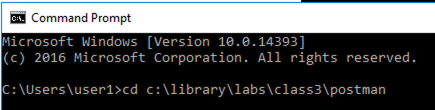
Type the command cd C:\library\labs\class3\postman to navigate the Postman collection folder.
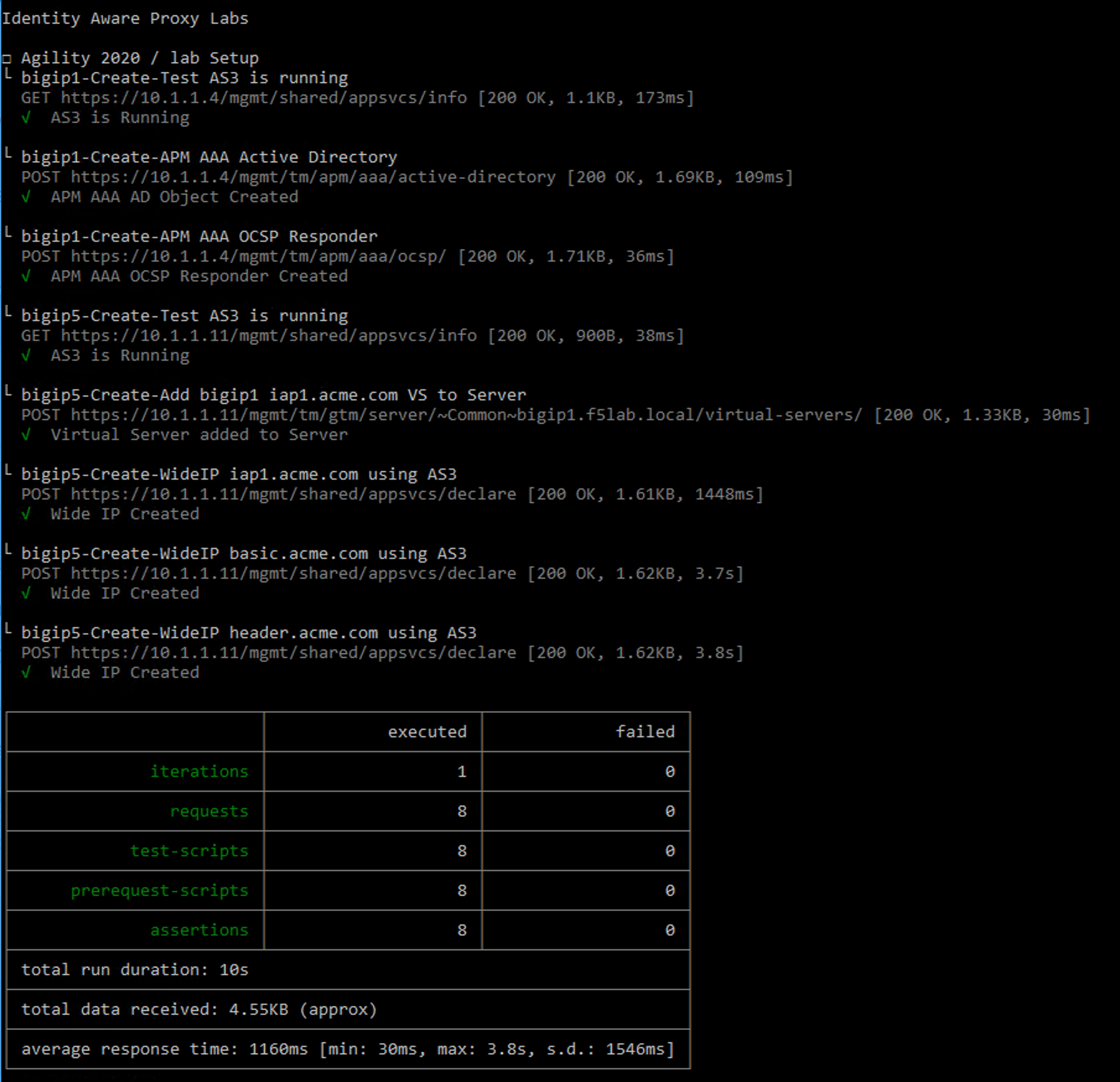
Type the command newman run “Identity Aware Proxy Labs.json” -e lab-setup.json -k

All Steps in the collection should succeed before moving on to the lab. If an API call fails run the collection again by repeating the previous step.